Export & import from CSV or Google Sheets
Two ways to sync your data
Upload CSV or Excel files for quick one-off transfers, or connect Google Sheets for ongoing two-way sync. Import thousands of influencers and videos in bulk, then export campaign analytics to share with your team and clients.
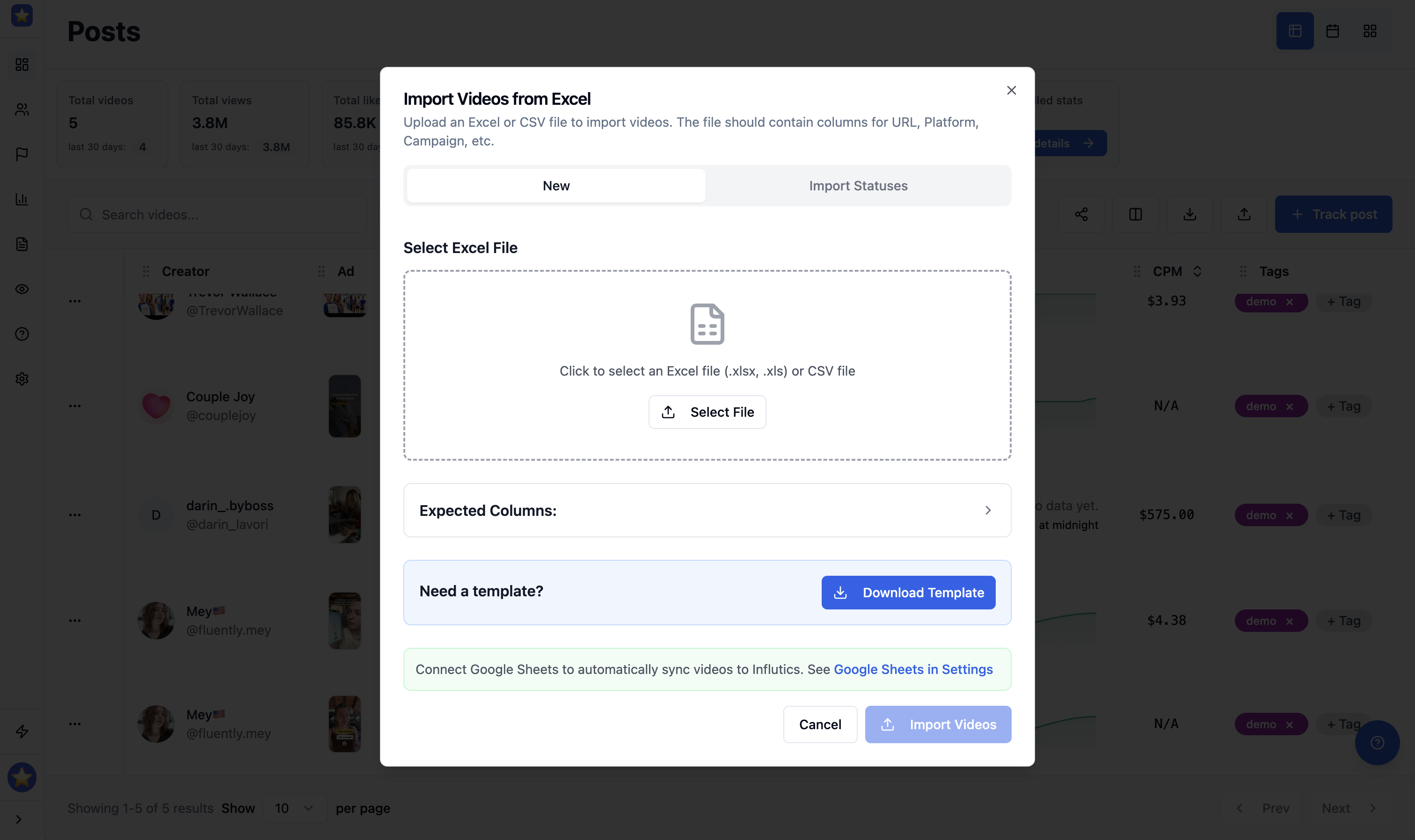
Upload CSV or Excel files to import data in bulk
Import thousands of influencers, video URLs, and campaign entries at once. Drag and drop a CSV or Excel file, map your columns, and start tracking immediately — no Google account needed.
Connect Google Sheets for two-way sync
Link your Google account to sync data both ways. Import influencers and videos from connected worksheets, then export campaign analytics back to sheets your team can view and edit. Resync anytime to pick up changes.
Export analytics and share with anyone
Download campaign performance as CSV or push it to Google Sheets. Share live reports with clients and stakeholders — they see up-to-date views, likes, comments, and engagement in a format they already know.
Ready to streamline your data workflow?
Import influencers, export analytics, and keep everything in sync — via CSV files or live Google Sheets connection. Free trial, no credit card required.
100K+
Videos Tracked
50M+
Data Points Analyzed
99.9%
Uptime